System Repair Assistant
One-click Windows maintenance and repair: tick the checks, press Start, read a plain-language report.
FreeWindows 10 / 11EN · FR · NL · DEMITv1.24
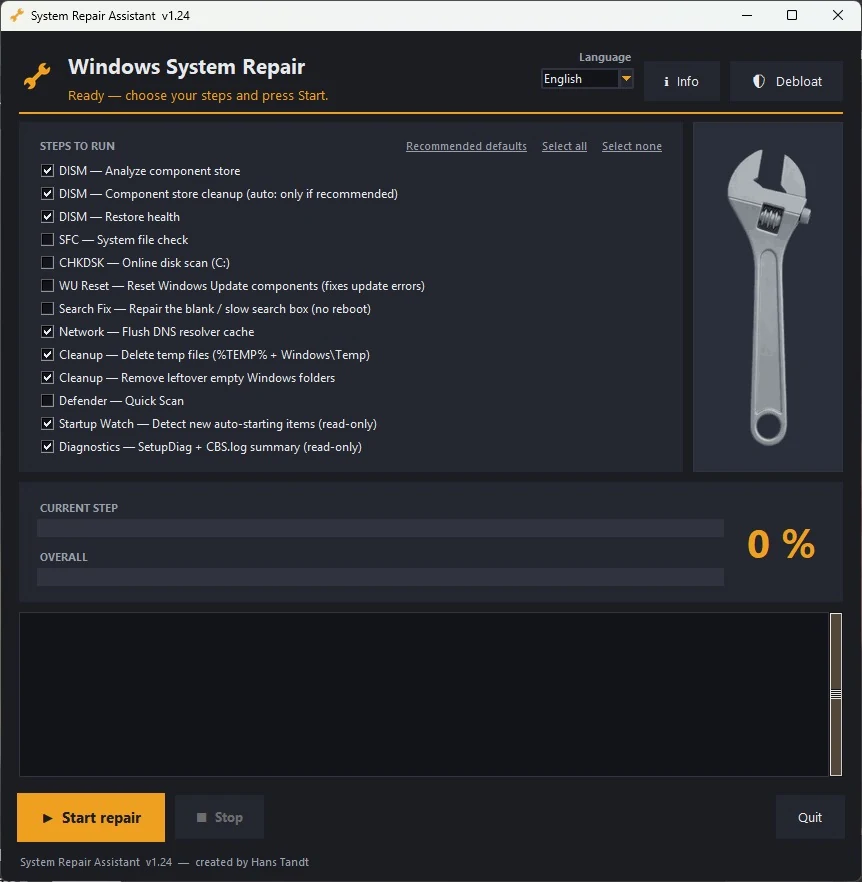
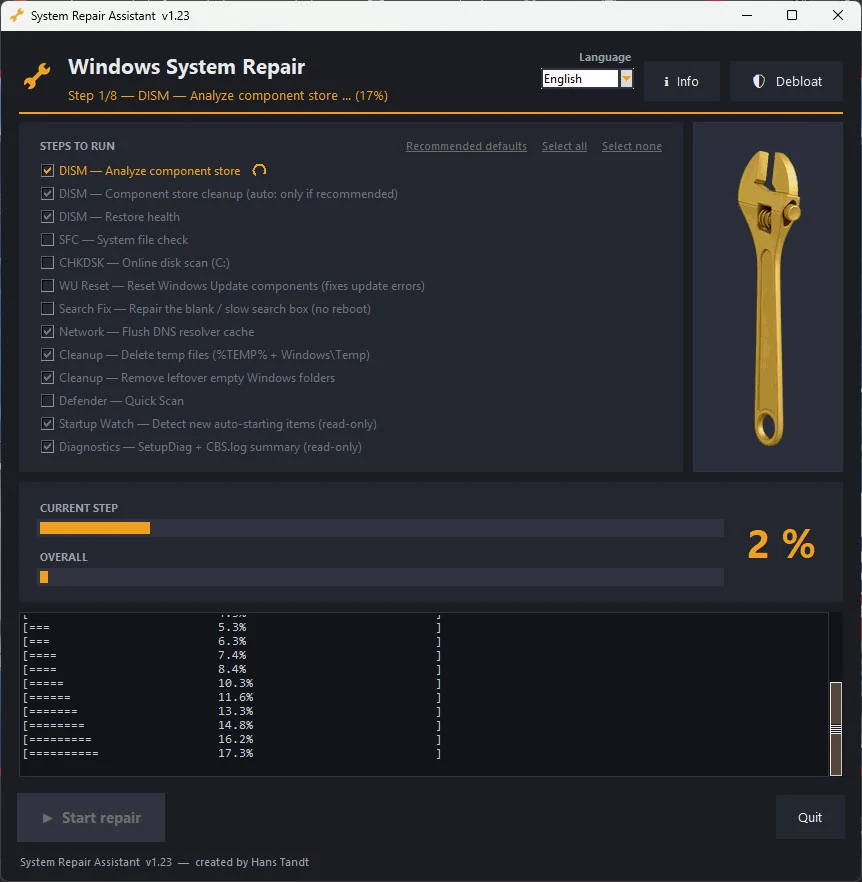
System Repair Assistant runs the standard Windows repair tools for you, in the right order: the DISM component-store checks, SFC, a disk scan, a Windows Update reset and more. You tick the steps you want and press Start repair. It shows the progress of every step and ends with a plain summary: 100 % clean, or a list of what was repaired. The full report is saved on your Desktop.
What it does
- DISM component-store checks: analyse, clean up when Windows recommends it, and restore health.
- SFC (system file check) and a CHKDSK online disk scan; off by default, because both can take a long time.
- Windows Update reset: clears the usual causes of stuck updates.
- Search fix: repairs a blank or slow Start and taskbar search box, without a restart.
- Cleanup: temporary files and leftover empty Windows folders, and a flush of the DNS cache.
- Windows Defender quick scan, if you choose it.
- Startup Watch and Diagnostics, read-only: new auto-starting services and tasks since the last run, SetupDiag results and a CBS.log summary.
- Debloat panel: reversible switches against bundled driver software, Store app suggestions and silently installed apps.
- Stop button: cancels a running repair at once; steps that change settings finish first, so nothing is left half-done.
- In English, Dutch, French and German.
Good to know
- It asks for administrator rights (UAC) when it starts: the repairs need them.
- Make a restore point before your first run: Start, type "Create a restore point".
- It makes no internet connections of its own. The Windows tools it starts, such as Windows Update and Defender, work as they always do.
- Free (MIT licence), without warranty: you use it at your own risk.
Screenshots
Click a screenshot to see it full size.